How Big Is a 55-Inch TV? Actual Screen Dimensions
“55-inch” is the diagonal — not the width. The actual 16:9 screen is about 47.9 inches wide and 27 inches tall, and the bars below draw it at true physical size on your screen.
TV sizes describe the diagonal of the display area, never the width. That single convention confuses almost everyone buying a TV — so before you measure your wall, see what 55 inches really means in width and height.
The 55-inch screen at true size
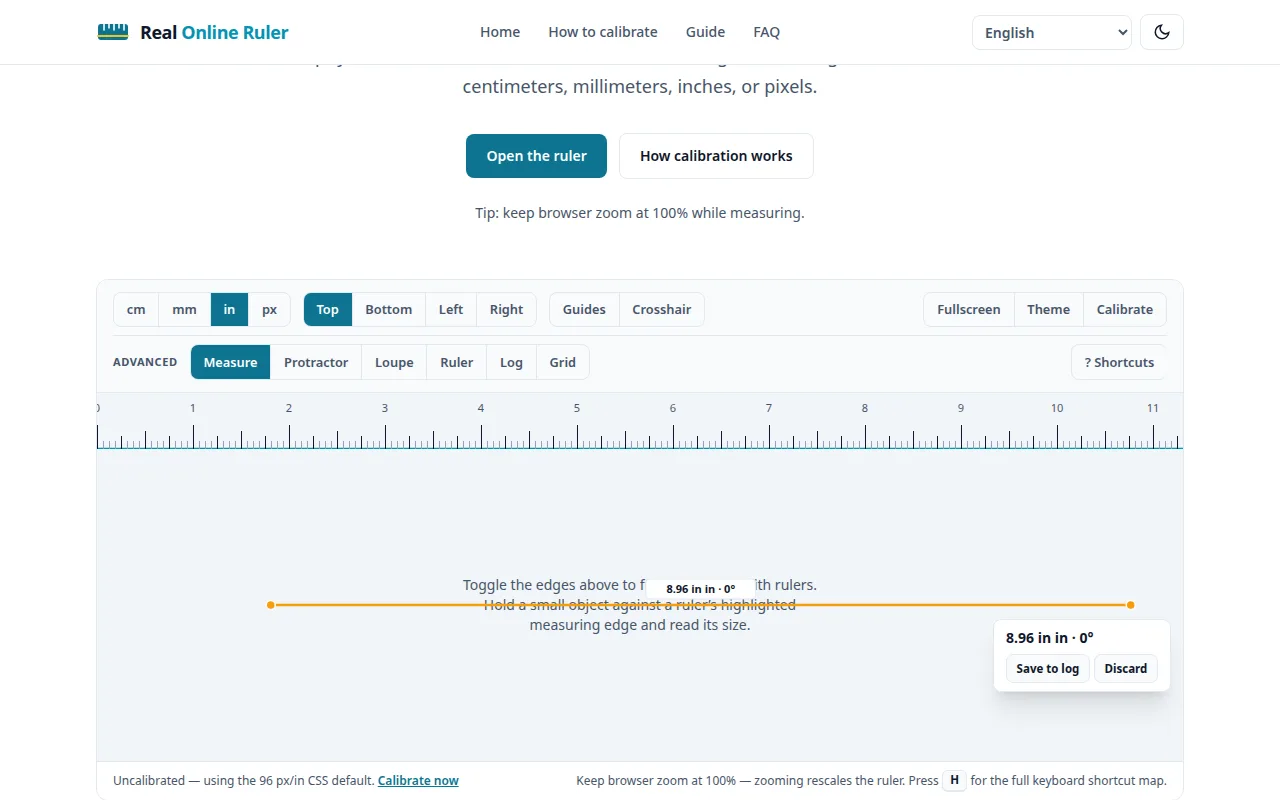
For a standard 16:9 screen, a 55-inch diagonal works out to 47.9 × 27.0 inches (121.8 × 68.5 cm) of actual picture. The bars below are drawn at true physical size on your display using your calibration — the width bar is wider than most screens, so scroll it sideways: that’s the honest scale of the thing.
Common TV sizes compared (16:9 screen only)
Width and height follow the same 16:9 math for every size — width ≈ diagonal × 0.872, height ≈ diagonal × 0.490. Here are the popular living-room sizes:
| Advertised size (diagonal) | Screen width | Screen height |
|---|---|---|
| 43″ | 37.5″ (95.2 cm) | 21.1″ (53.6 cm) |
| 50″ | 43.6″ (110.7 cm) | 24.5″ (62.3 cm) |
| 55″ | 47.9″ (121.8 cm) | 27.0″ (68.5 cm) |
| 65″ | 56.7″ (143.9 cm) | 31.9″ (80.9 cm) |
The diagonal trick — and the bezel
Two things the “55-inch” label doesn’t tell you. First, it measures only the display area — the bezel and frame add roughly 1–2 cm to the TV’s total width, so the box on your wall is a little bigger than the screen. Second, the stand or feet add their own height and have their own footprint: check the model’s full spec sheet for the exact outer dimensions before committing to a cabinet.
Measure your space first
For a 55-inch TV, you want at least ~125 cm of clear wall width (screen plus bezel plus a little breathing room), and a stand or mount rated for the size. Measure your wall or unit with a tape — or hold the width bar above against the space if your screen is big enough — and leave margin for cables behind the set.
Does resolution change the size?
No. A 55-inch 4K TV and a 55-inch 1080p TV have the same physical screen — resolution changes pixel density, not inches. Same for OLED vs LED: the panel technology doesn’t change the dimensions, though premium models often have slimmer bezels.
Try it on your screen right now
The live ruler is on the home page — calibrated to your display in under a minute.
Open the ruler