How to Measure Your Screen Size
Screen size is one number — the diagonal of the part that lights up, in inches. Measure it wrong (most people include the frame) and you’ll buy the wrong monitor arm, the wrong case, or the wrong replacement panel. Here’s how to get it right.
Whether it’s a monitor, a laptop, a TV, or a phone, the industry measures screens exactly one way: the diagonal of the viewable display area, in inches. Learn that one rule and you can size any screen in under a minute.
Method 1: measure the diagonal with a tape
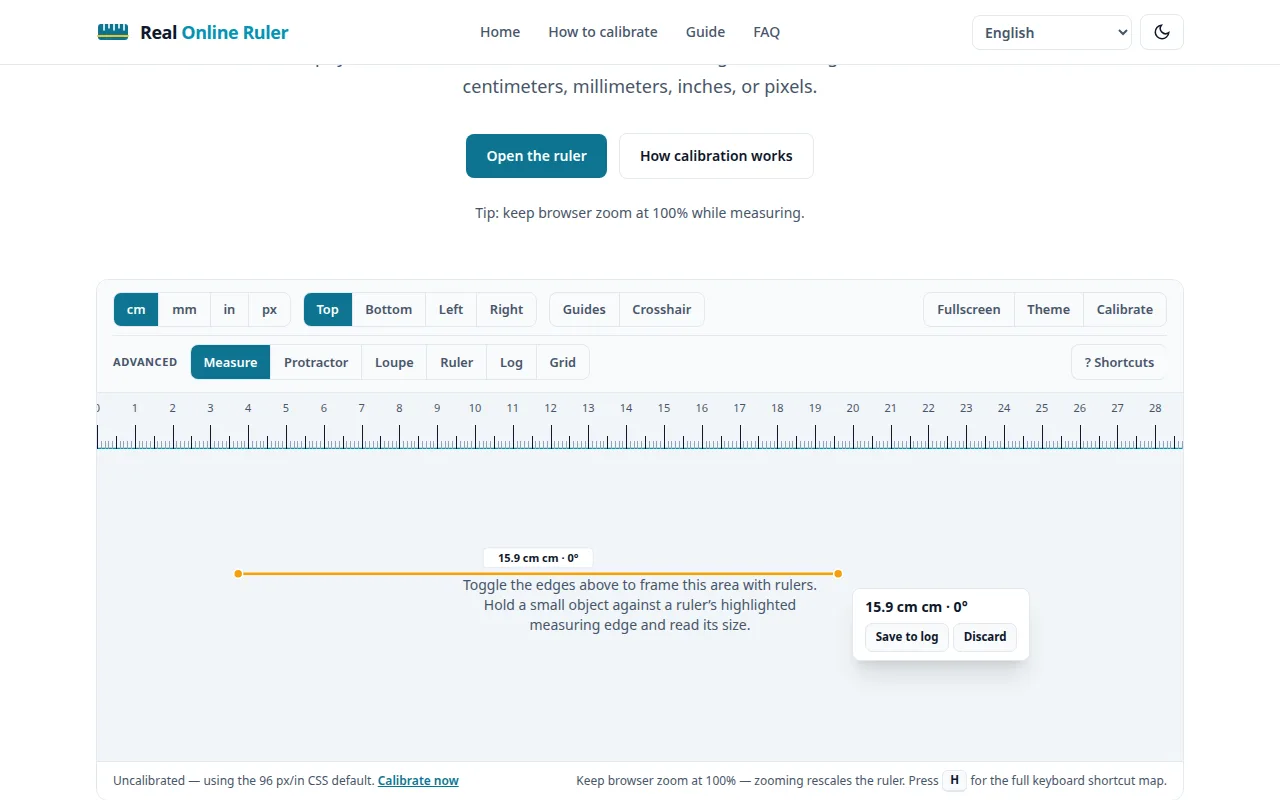
Power the screen off first — the dark display makes the edge of the picture area easier to see. Then measure from the bottom-left corner of the picture to the top-right corner, keeping the tape straight and taut.
- Measure only the part that lights up — never include the bezel or frame.
- Measure diagonally. Horizontal or vertical measurements are not screen sizes.
- Read in inches; screen sizes are almost always specified in inches.
- Round to the nearest whole inch — that’s the marketed size.
Method 2: check it in your system settings
No tape at all? Your device usually knows. On Windows, go to Settings → System → Display; on macOS, open About This Mac → More Info → Displays. Note the display or device model, then look up its official spec sheet — manufacturers list the exact diagonal there.
On phones and tablets, the spec sheet is the only sane route — measuring a 6-inch display with a tape is fiddly, and the listed size is what cases and screen protectors are sold by.
Why the diagonal — and never the bezel
The diagonal is the one measurement that stays comparable across aspect ratios. A 27-inch 16:9 monitor and a 27-inch 21:9 ultrawide share the same diagonal but have very different widths — the diagonal is the common language. The bezel is excluded because it’s just packaging: two “24-inch” monitors can have totally different outer dimensions if one has chunky frames and the other is nearly borderless.
Aspect ratio changes the shape, not the size
Most TVs and monitors today are 16:9 widescreen; many laptops are 16:10; gaming and productivity ultrawides are often 21:9. Same diagonal, wider ratio, wider (and shorter) screen — so when a screen needs to fit a desk or a wall, always check the actual width and height too, not just the diagonal.
| Device | Typical sizes (diagonal) |
|---|---|
| Phones | 6–7″ |
| Tablets | 8–13″ |
| Laptops | 13.3″, 14″, 15.6″, 16″, 17.3″ |
| Desktop monitors | 22″, 24″, 27″, 32″, 34″ ultrawide |
| TVs | 43″, 50″, 55″, 65″, 75″ |
Watch out for marketing rounding
Advertised sizes are rounded. A laptop sold as “14-inch” might use a 14.0, 14.2, or 14.5-inch panel, and a “15-inch” laptop might be 15.6. For buying a monitor arm or a TV stand it hardly matters — but if you’re ordering a replacement laptop screen, always match the exact panel model number, never just the advertised size.
Try it on your screen right now
The live ruler is on the home page — calibrated to your display in under a minute.
Open the ruler