What Does an Inch Actually Look Like?
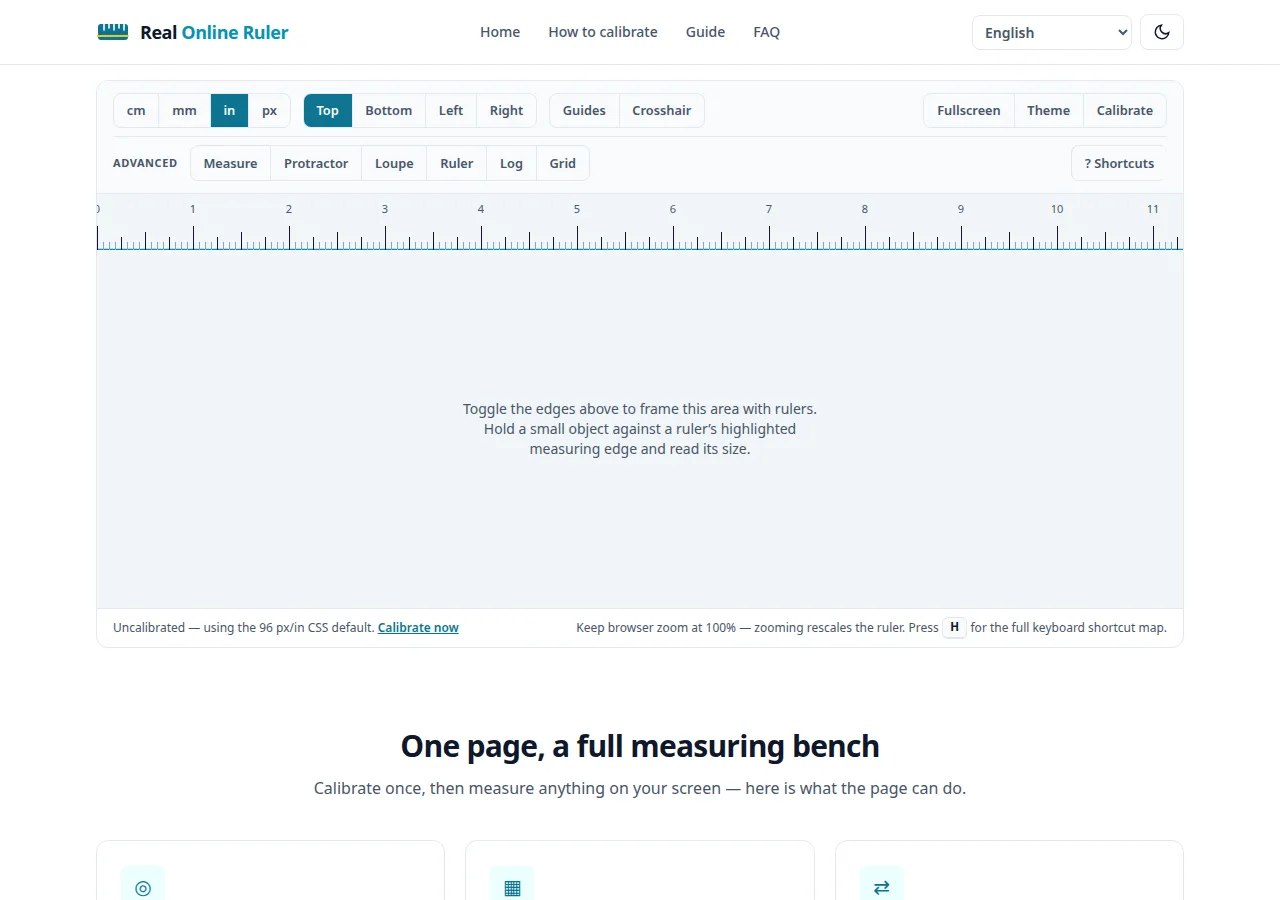
Forget vague comparisons like "about the length of your thumb." The bars and objects below are drawn at true physical size on your screen — using your display’s calibration, or the web-standard 96 px/in approximation until you calibrate.
Text can tell you that an inch is 25.4 millimeters, but it can’t show you. Photos are worse — they lie about scale every time. The only honest way to answer “what does 3 inches look like?” on a screen is to draw 3 real inches. That’s what this page does: every bar and outline below is sized in true physical millimeters on your display.
Common sizes at true size
Hold a physical ruler against your screen and check — after calibration, these bars match real life. If you haven’t calibrated yet, they use the web-standard 96 px/in approximation, which is close on many laptops but not exact.
Everyday objects at actual size
Abstract numbers become concrete next to things you already know. These outlines are drawn at the objects’ real dimensions — credit cards follow the ISO/IEC 7810 standard, so they’re identical worldwide.
Why “1 inch” on screen usually isn’t an inch
Here’s the uncomfortable truth: by web definition, a CSS “inch” is exactly 96 pixels — no matter what screen you’re on. On a typical laptop those 96 pixels land near a real inch, but on a dense phone display the same 96 pixels are a small fraction of one. Your browser has no idea how big its pixels physically are. That’s why uncalibrated on-screen rulers are approximations — and why a one-minute calibration makes everything on this site, including the bars above, genuinely true to size.
Get true size in under a minute
Grab any credit card (they’re all 85.60 mm wide), open How to Calibrate, and follow the three steps. Your calibration is saved in your browser, so the bars above — and every ruler on the site — stay true to size on your next visit too. And keep your browser zoom at 100% while comparing: zooming rescales everything on the page.
Try it on your screen right now
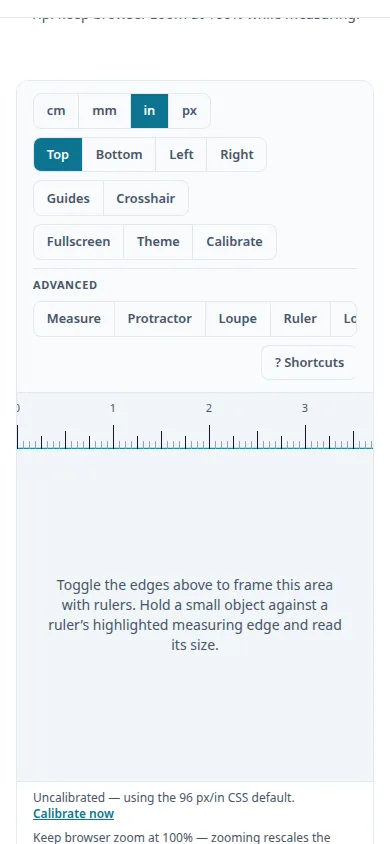
The live ruler is on the home page — calibrated to your display in under a minute.
Open the ruler