What Does 10 Cm Look Like? Actual Size
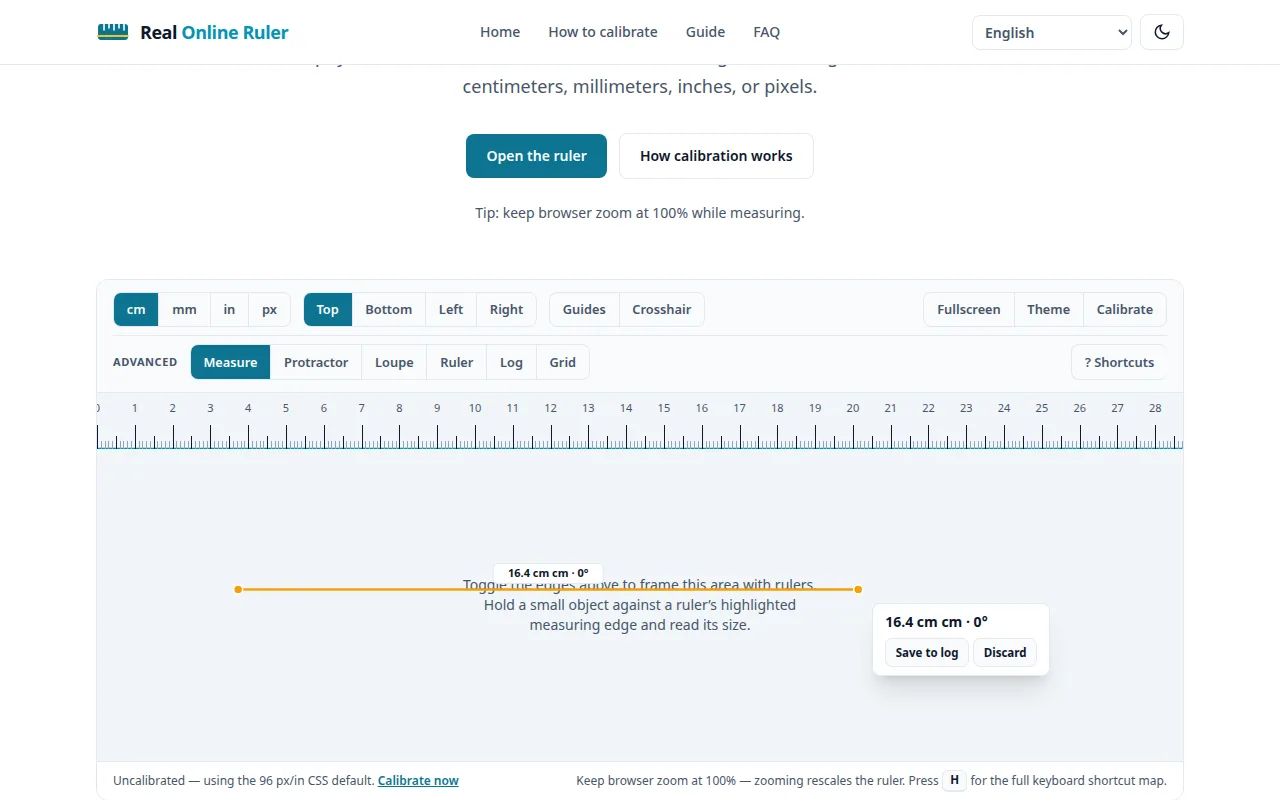
Ten centimeters is 3.94 inches — the length people picture least accurately. The bars below are drawn at true physical size on your screen, using your display’s calibration (or the web-standard 96 px/in approximation until you calibrate).
Centimeters are the unit of online shopping specs, craft patterns, and phone dimensions — and almost nobody outside metric countries can picture one. Ten centimeters is roughly four inches, but "roughly" is where mistakes live. The bars below are exact, and the battery outline is something you can hold in your hand right now.
Ten centimeters at true size
Compare against a physical ruler: after calibration, these bars match real life exactly. Uncalibrated, they use the 96 px/in web default — close on many laptops, not exact.
Everyday things about ten centimeters long
Two AA batteries laid end to end measure 101 mm — just a millimeter over 10 cm, close enough to use as a pocket reference. Four US quarters in a row span 97 mm, a touch under. A standard playing card stands about 8.9 cm tall, so picture a card plus a fingernail. The outline below is the two-battery anchor, drawn at its true 101 × 14.5 mm.
10 cm in inches
Ten centimeters is exactly 3.937 inches — call it 3.94. That is just under four inches, so if you think in imperial, picture the 4-inch bar and shave off a hair. A handy rule of thumb: 2.5 cm ≈ 1 inch, so 10 cm ≈ 4 inches.
Get true size in under a minute
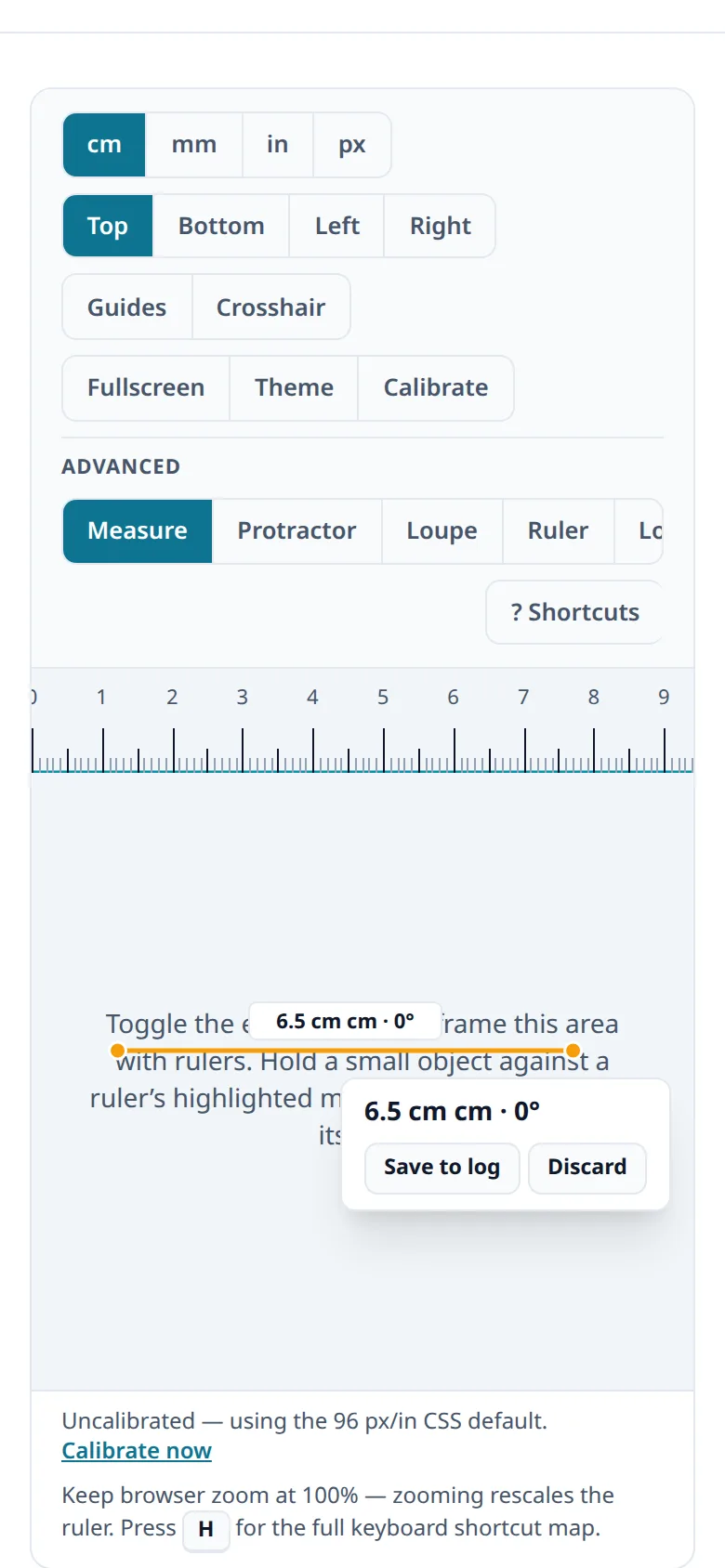
Grab any credit card (85.60 mm wide), open How to Calibrate, and follow the three steps. The calibration is saved in your browser, so the bars above stay true to size on your next visit. Keep browser zoom at 100% while comparing.
Try it on your screen right now
The live ruler is on the home page — calibrated to your display in under a minute.
Open the ruler